
How to reject a recommendation
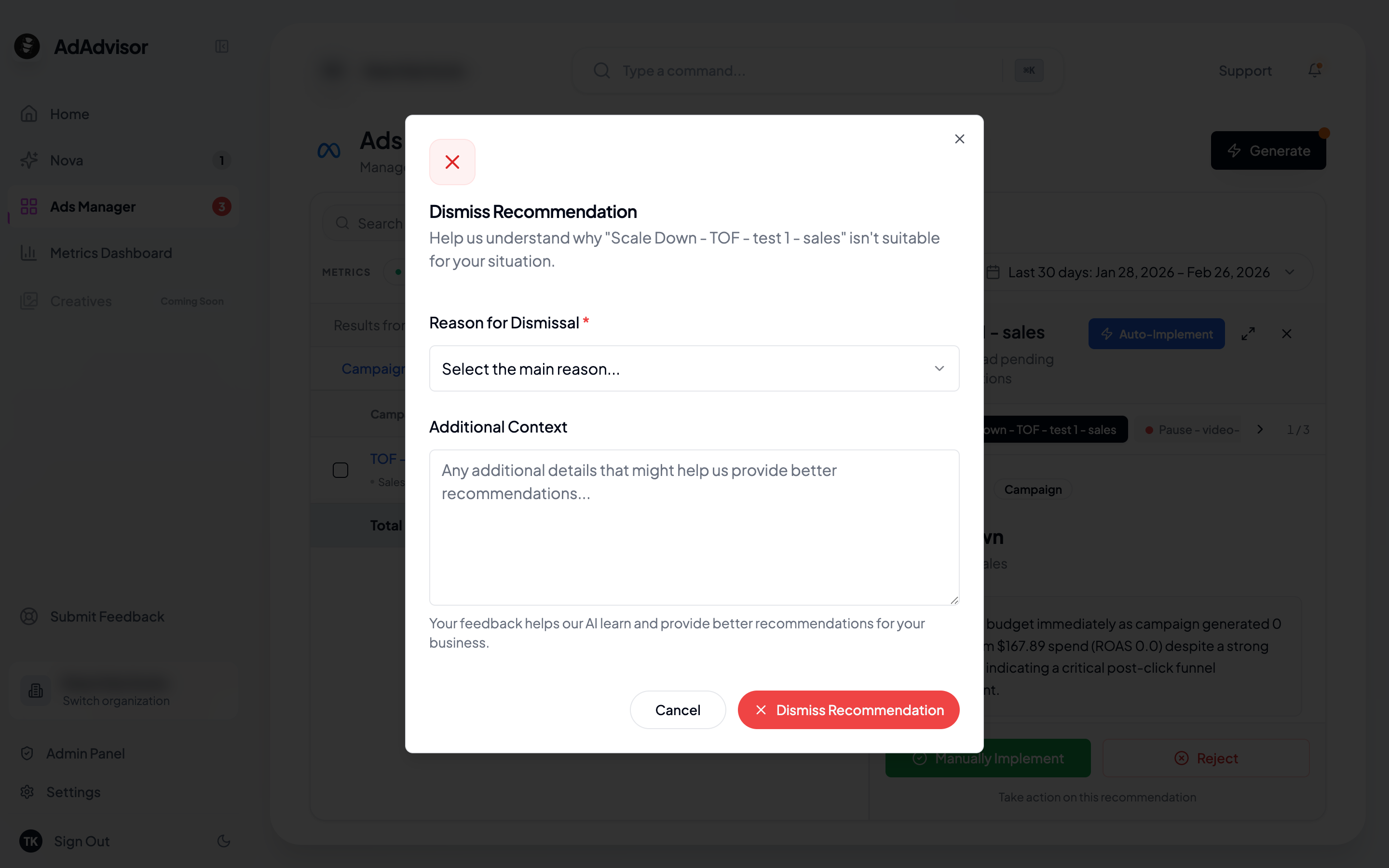
Select a reason
A dialog appears with a dropdown of common reasons:
- Can’t implement right now
- Already doing this
- Not relevant to my business
- Budget constraints
- Other
Add context (optional)
Below the dropdown, there’s a free-text field where you can explain further. This is optional but helpful.
Why providing a reason matters
When you reject a recommendation, the AI takes note. Here’s how your feedback is used:- “Already doing this”: The AI will avoid suggesting the same thing on this entity in future runs.
- “Not relevant”: The AI factors this into context for similar recommendations going forward.
- “Budget constraints”: The AI may adjust budget allocation suggestions in future runs.
- Detailed context: Any free-text feedback you add gives the AI more signal about what matters to you.
What happens to rejected recommendations?
Rejected recommendations are moved out of the “Pending” view. You can still find them by filtering to “Dismissed” in the Ads Manager recommendations panel. They won’t reappear in future runs unless the underlying data changes significantly enough that the AI thinks the recommendation is newly relevant.Rejecting vs. ignoring
If you just ignore a pending recommendation (don’t accept or reject it), it stays in the pending state until you generate new recommendations. At that point, unresolved pending recommendations are automatically marked as “Unactioned” and archived. It’s better to actively reject recommendations you don’t want to act on. This gives the AI clearer feedback and keeps your pending list clean.Before generating new recommendations, AdAdvisor may remind you about unresolved pending recommendations. Acting on them (implementing or rejecting) before generating new ones leads to better results.