
Sign up with email
1
Go to the signup page
Visit app.adadvisor.ai/auth/signup or click Get Started from the AdAdvisor homepage.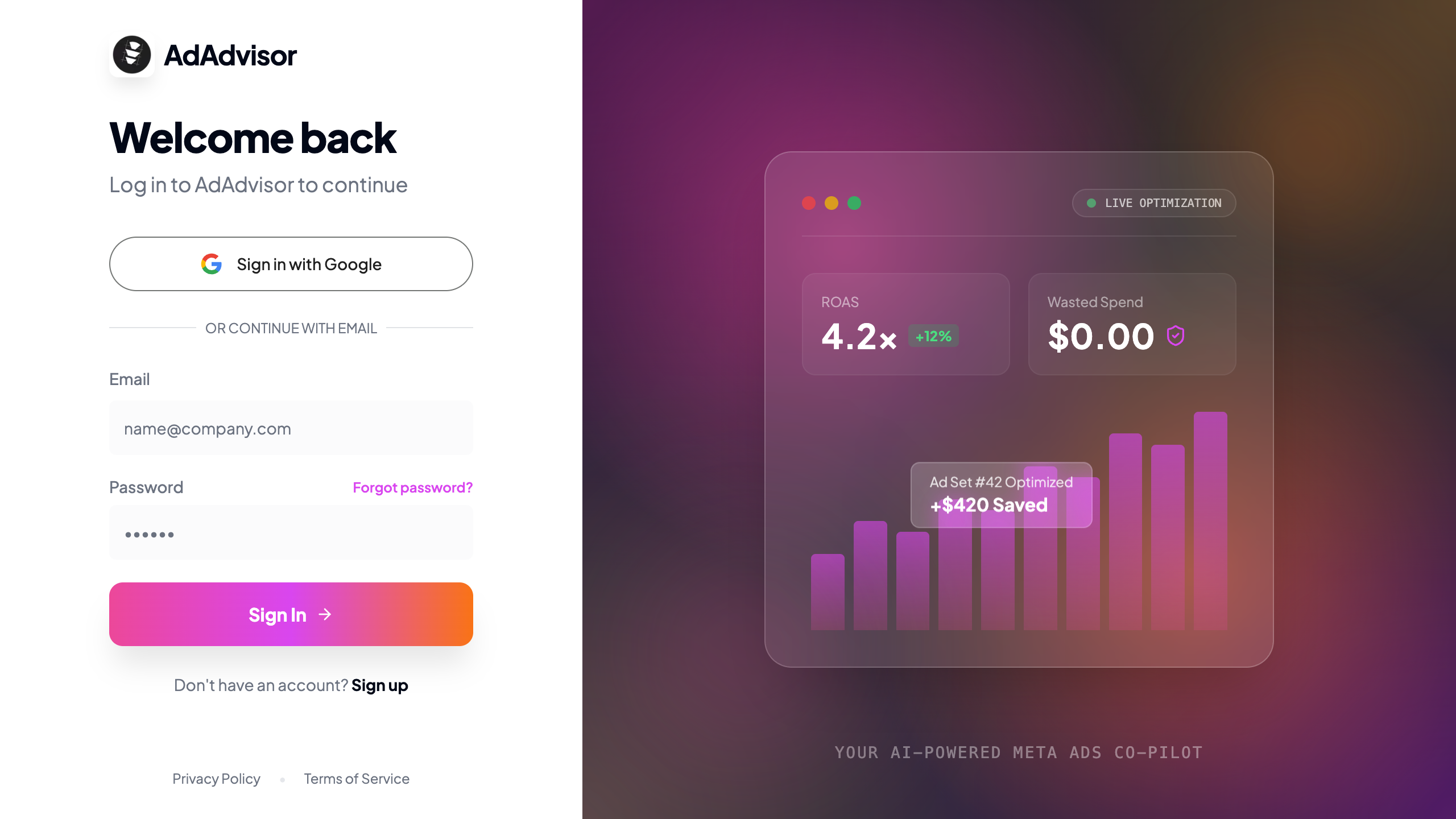
2
Enter your details
Fill in your work email, choose a password (minimum 6 characters), and confirm it.
3
Check your inbox
You’ll receive a verification email from AdAdvisor. Click the confirmation link to activate your account.
4
You're in
After clicking the link, you’ll be redirected to AdAdvisor and the onboarding flow will begin automatically.
Sign up with Google
1
Click 'Sign up with Google'
On the signup page, click the Sign up with Google button.
2
Authorize access
Google will ask you to confirm which account to use. Select your account and approve.
3
Done
No email verification needed. You’ll land directly in the onboarding flow.
Log in to an existing account
Go to app.adadvisor.ai/auth/login and enter your email and password, or click Sign in with Google.Reset your password
Forgot your password? No problem.1
Click 'Forgot password?'
On the login page, click the Forgot password? link below the password field.
2
Enter your email
Type the email address you used to sign up and click Send Reset Link.
3
Check your inbox
You’ll get an email with a reset link. Click it to set a new password.
4
Set a new password
Enter your new password (minimum 6 characters), confirm it, and click Update Password. You’ll be redirected to the login page.
After resetting your password, you’ll need to log in again with your new credentials.