
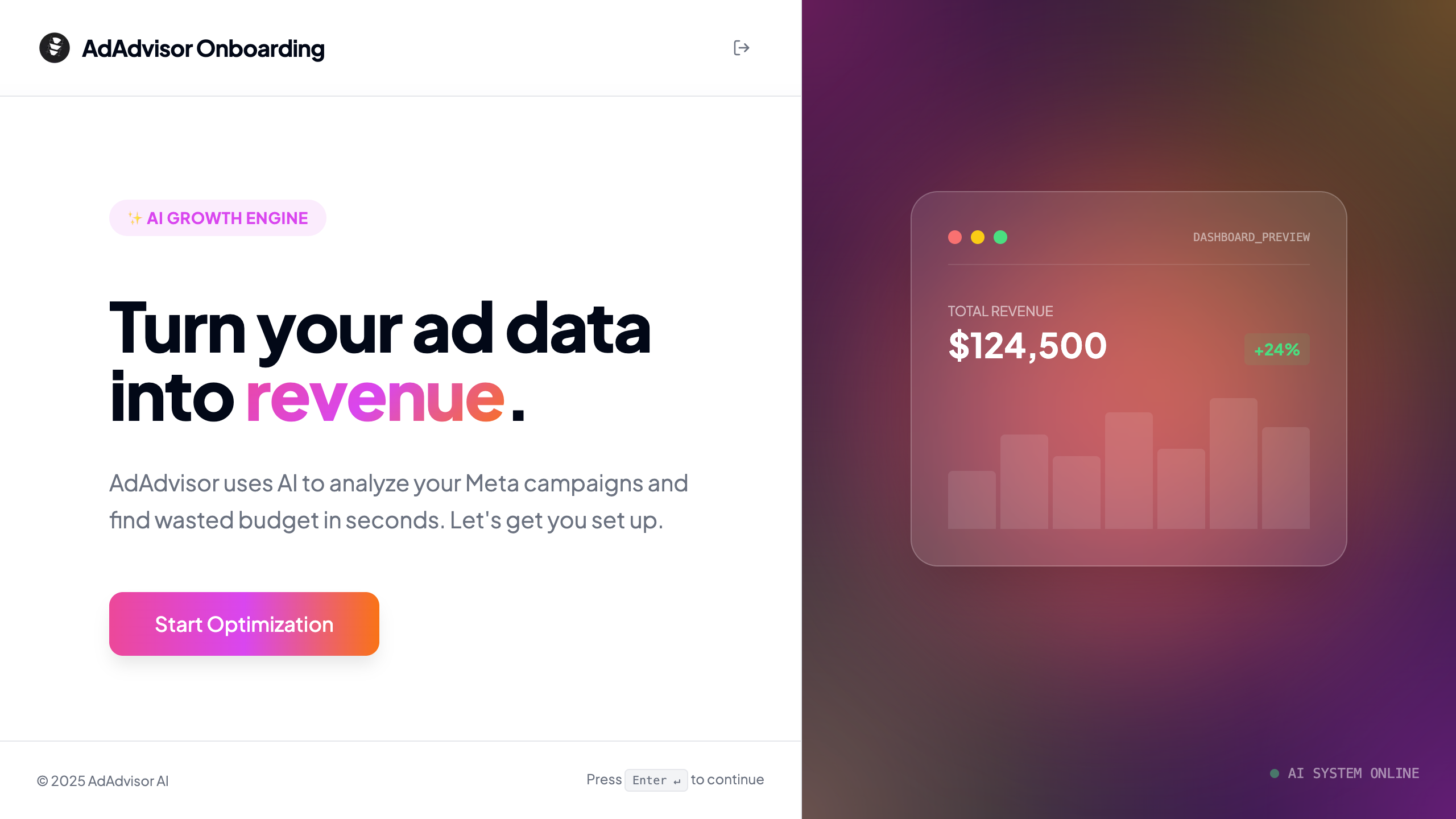
Step 1: Welcome
A quick intro screen explaining what AdAdvisor will do for you. Click Start Optimization to begin.Step 2: Organization name
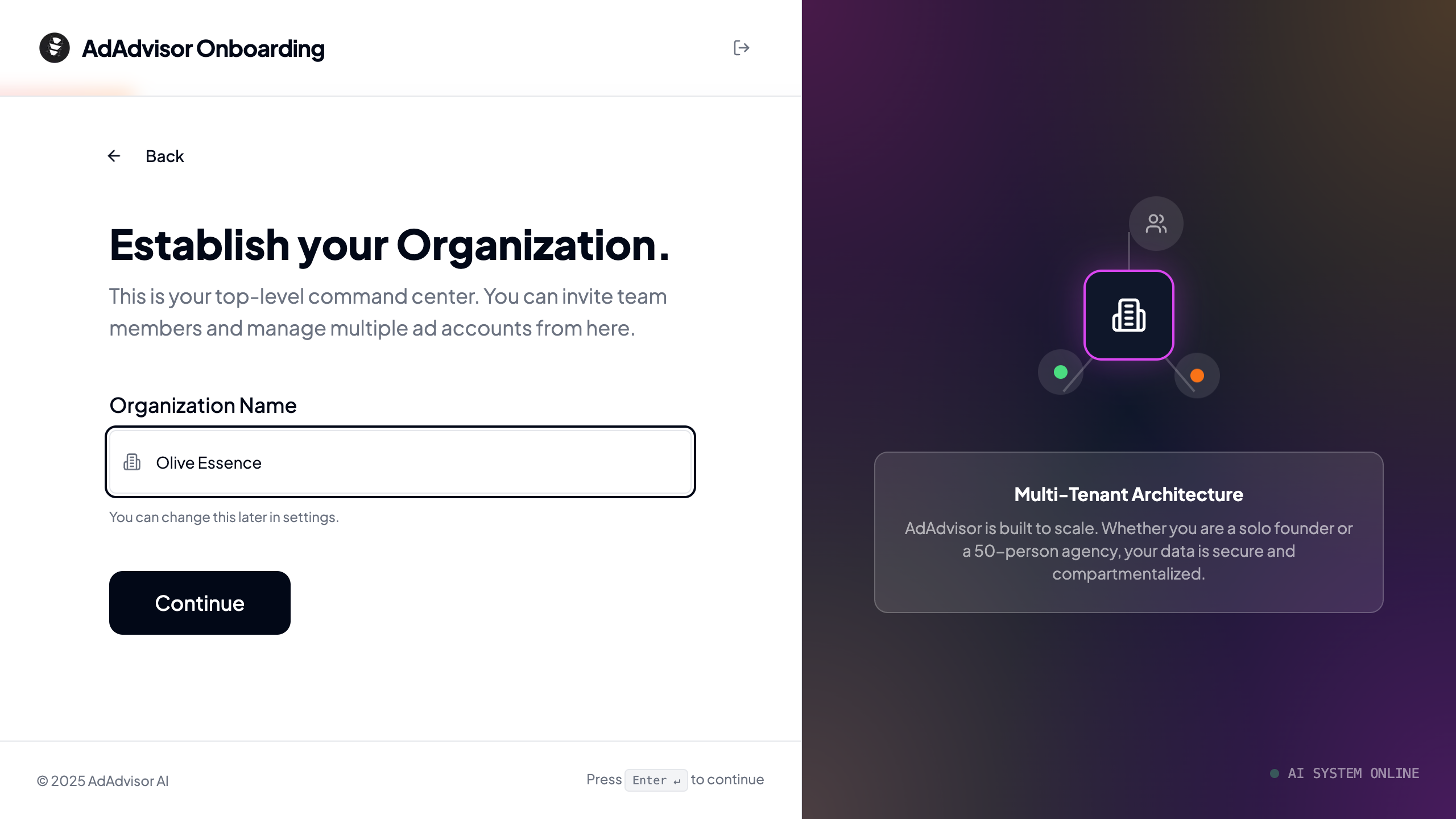
Enter the name of your organization. This is the top-level container for your team and businesses.- If you’re a brand owner, this is typically your company name.
- If you’re an agency, this is your agency name.
Step 3: Use case
Tell us whether you’re a Brand Owner (managing ads for one business) or an Agency (managing ads for multiple clients). This affects the labels you’ll see throughout the app and the plan options available to you.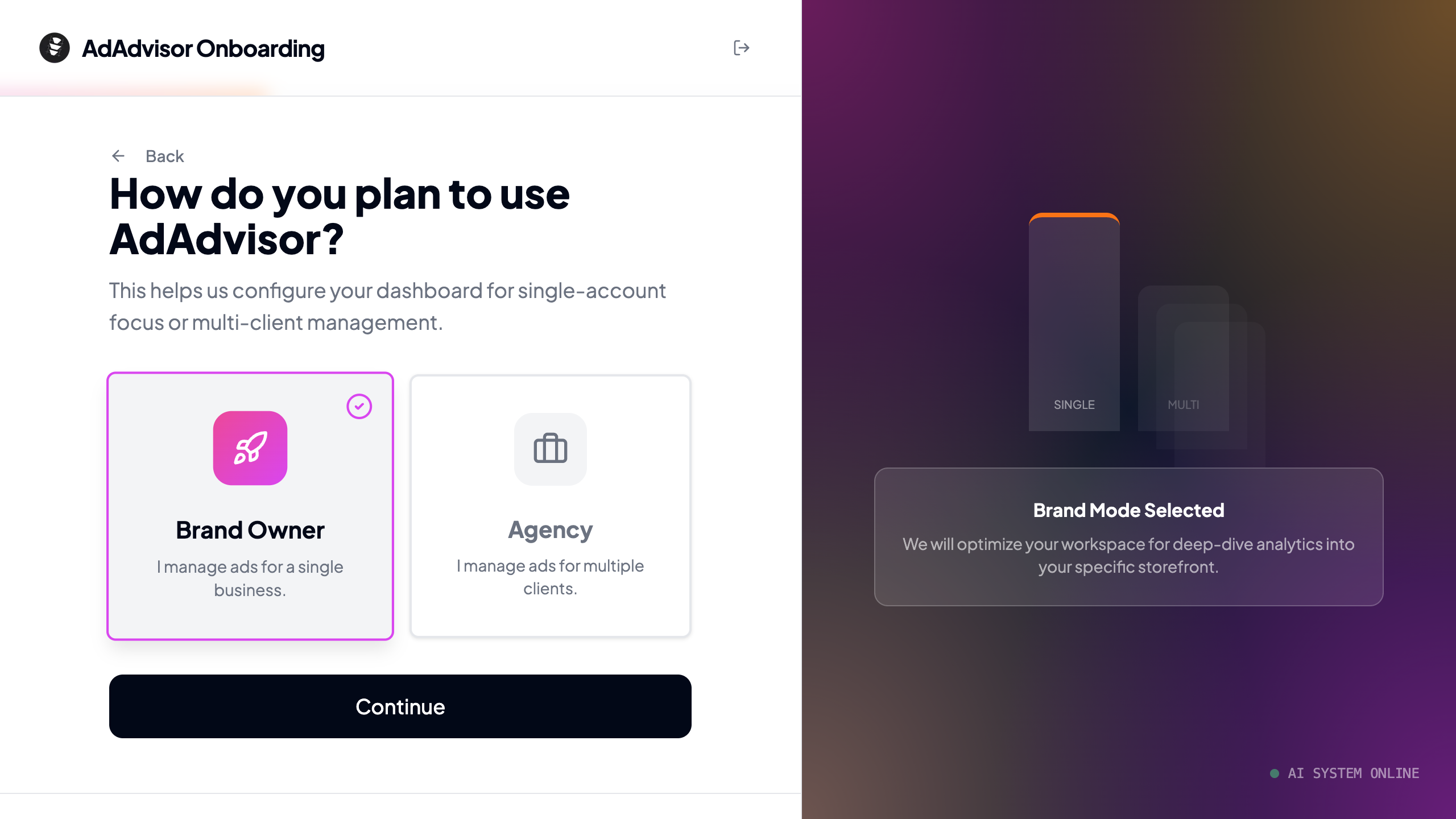
Step 4: Business details
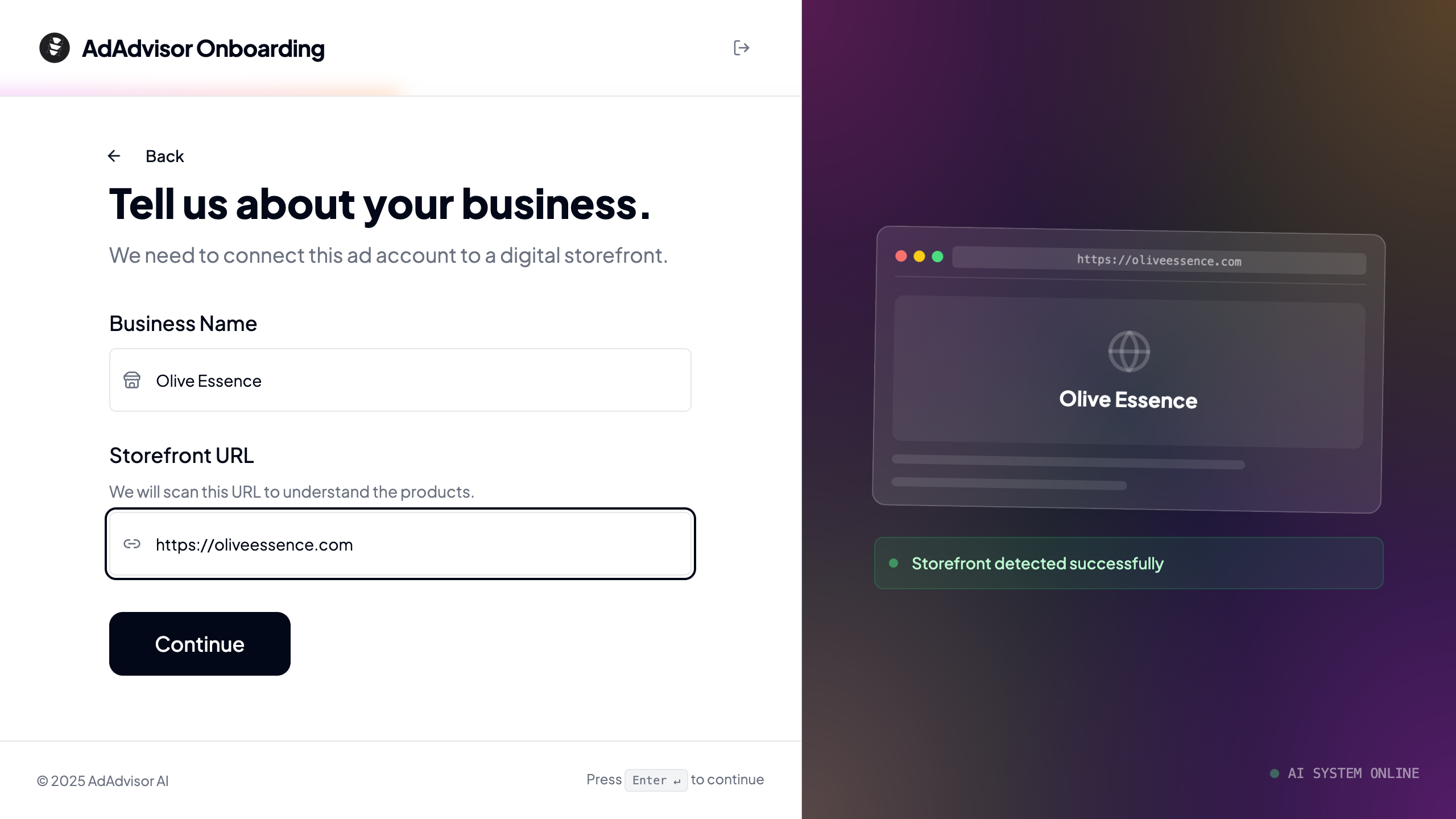
Enter your first business name and storefront URL.- Business name: The name of the brand or store you’re advertising for.
- Storefront URL: Your website. AdAdvisor will scan this later to understand your products and generate better recommendations.
If you’re an agency, this is your first client business. You can add more businesses from the dashboard after onboarding.
Step 5: Campaign goal
Select what you want to optimize for. Right now, Drive Sales (maximizing purchases and ROAS) is available. Lead generation and brand growth are coming soon. If you select a “coming soon” option, you can join the waitlist to be notified when it launches.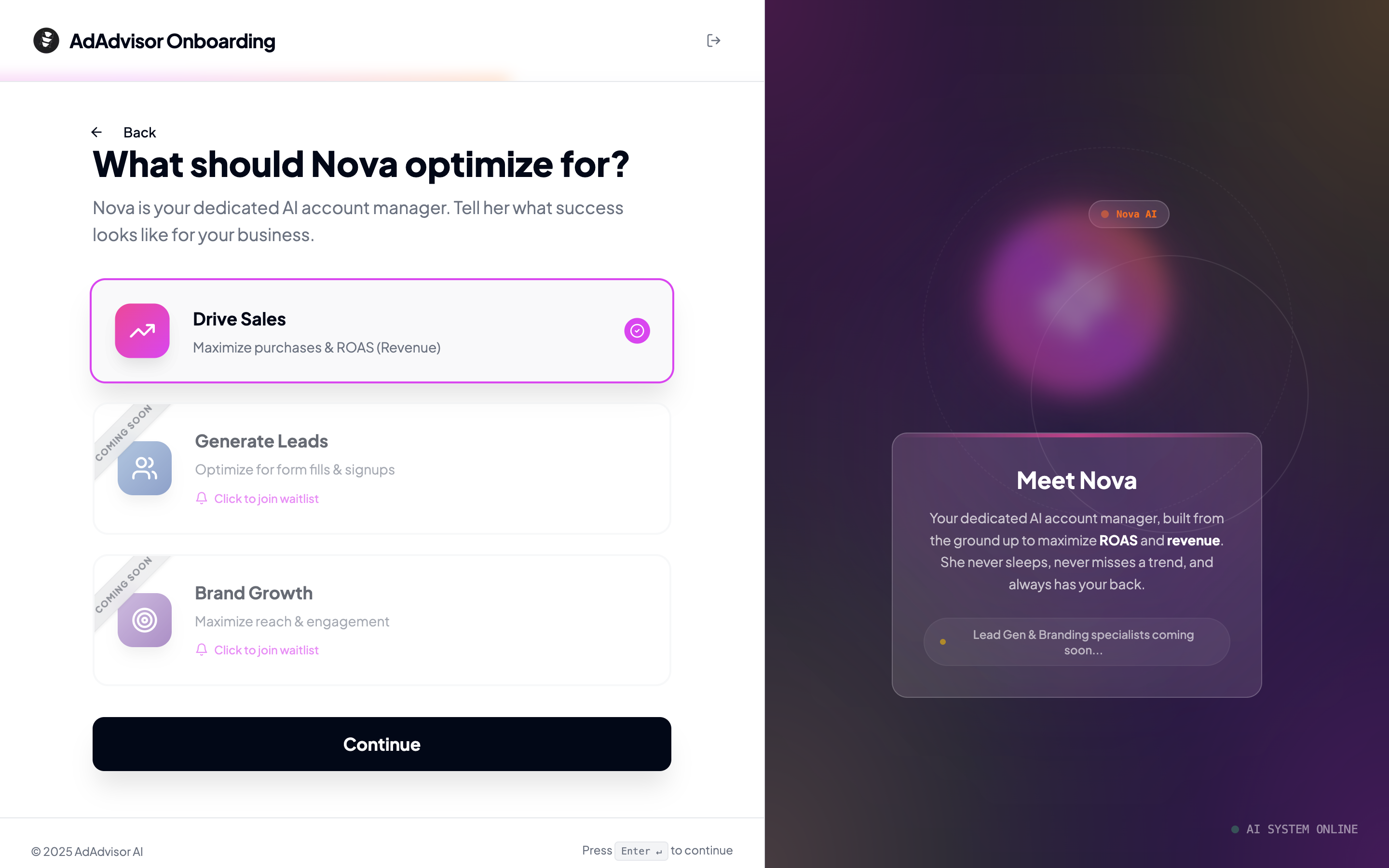
Step 6: Budget and metrics
This step has two parts:Monthly ad budget
Pick your range from the four options:- Under $1,000
- 5,000
- 25,000
- $25,000+
Break-even ROAS
Enter the Return on Ad Spend you need to stay profitable. This is the number AdAdvisor uses to color-code your performance metrics throughout the app.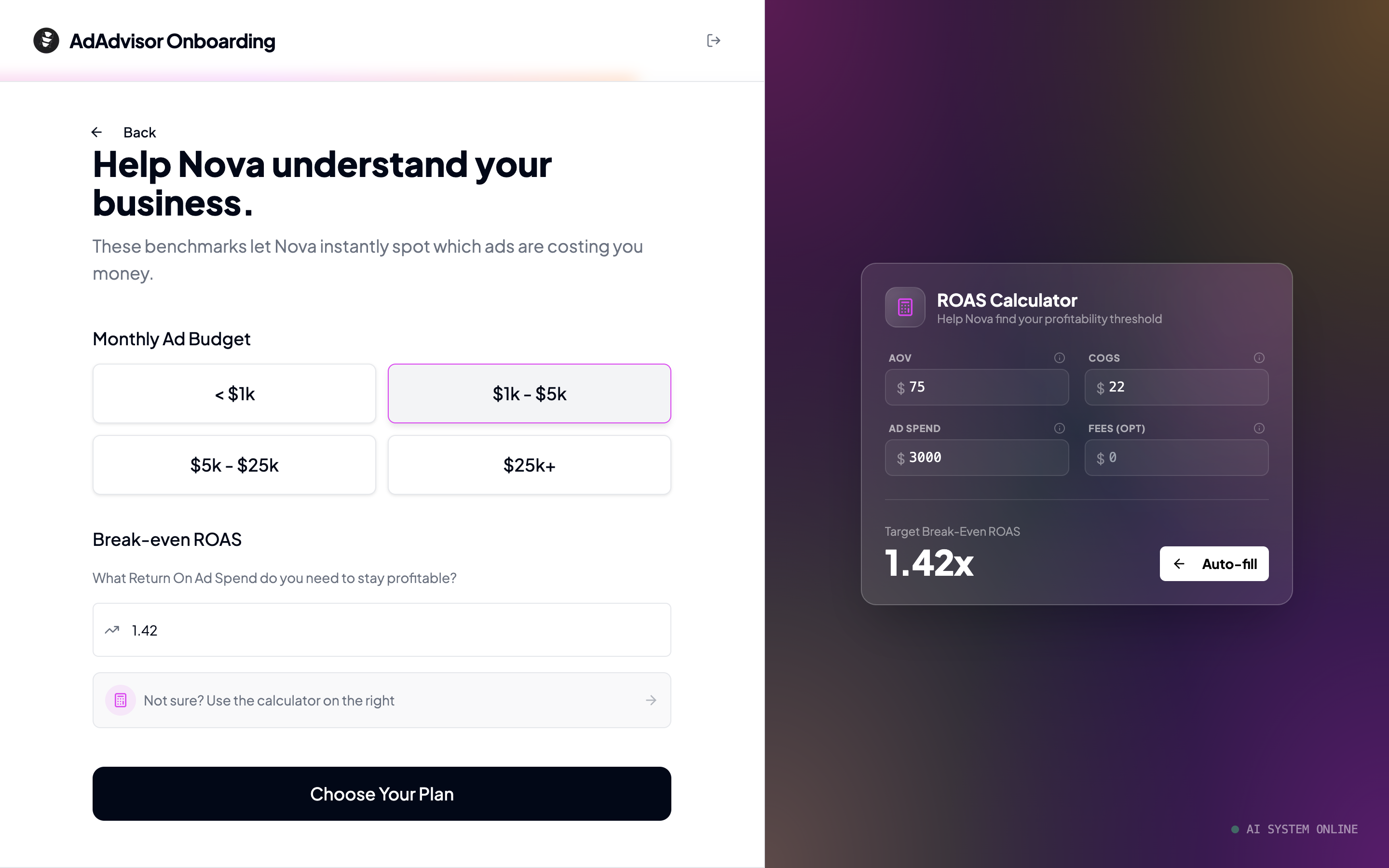
What happens after onboarding?
Once you finish the onboarding steps, AdAdvisor automatically creates your organization and business, starts your 7-day free trial (no credit card required), and drops you into the dashboard. You’ll land on the AdAdvisor dashboard. From here, your next step is to connect your Meta ad account so AdAdvisor can start analyzing your campaigns.Connect Meta Ads
Link your ad account and start syncing data.