Viewing your organization
Go to Settings > Organization to see your current organization details.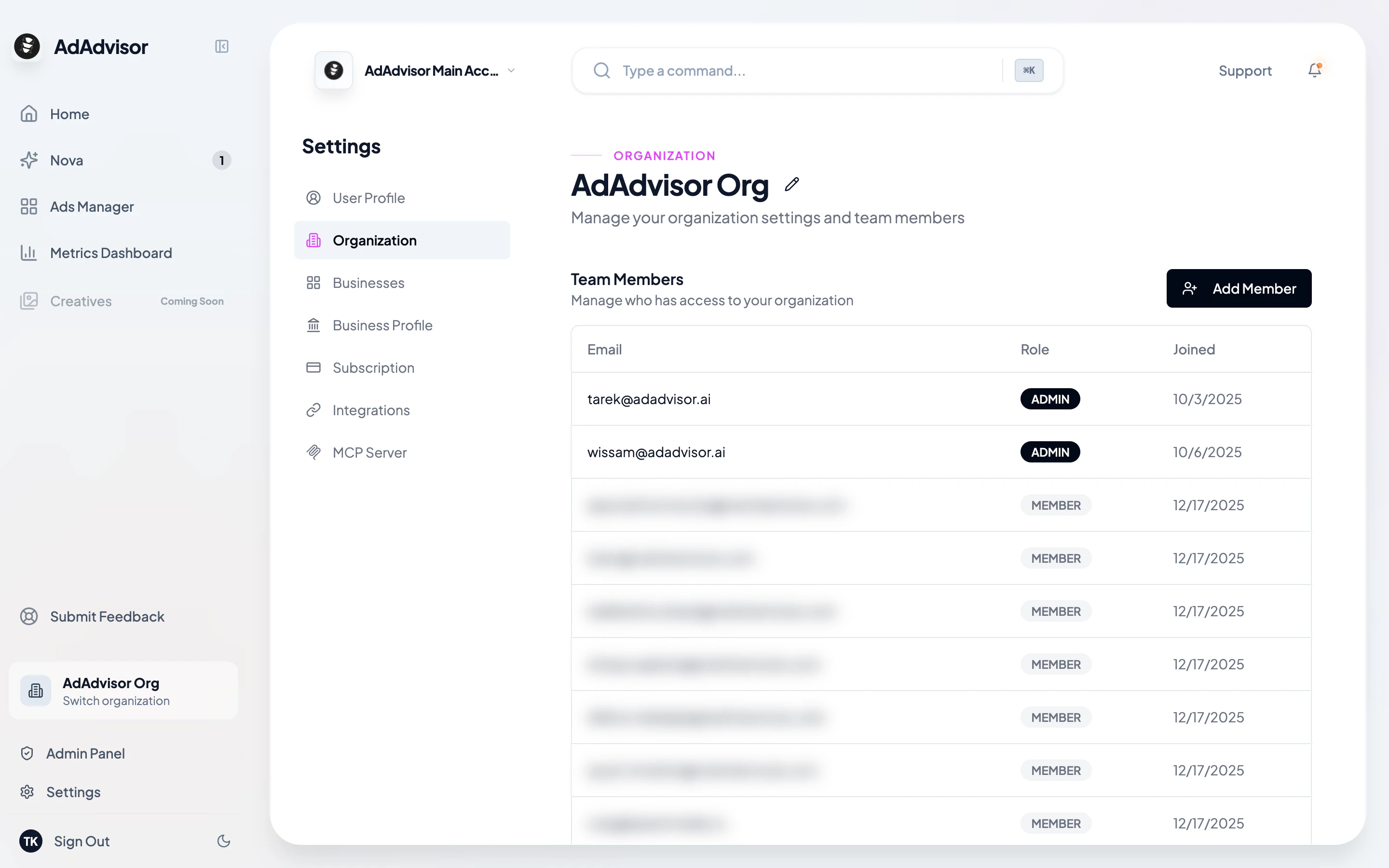
Editing the organization name
Click the pencil icon next to your organization name to rename it. Click the checkmark to save, or the X to cancel.Team members
The Organization page shows a table of everyone in your organization with their:- Email address
- Role (Admin or Member)
- Date they joined
Roles
| Role | Permissions |
|---|---|
| Admin | Full access. Can edit businesses, manage team members, change subscription, generate recommendations, and manage integrations. |
| Member | Read access to the dashboard and Ads Manager. Can view recommendations but can’t edit businesses or manage the team. |
Inviting team members
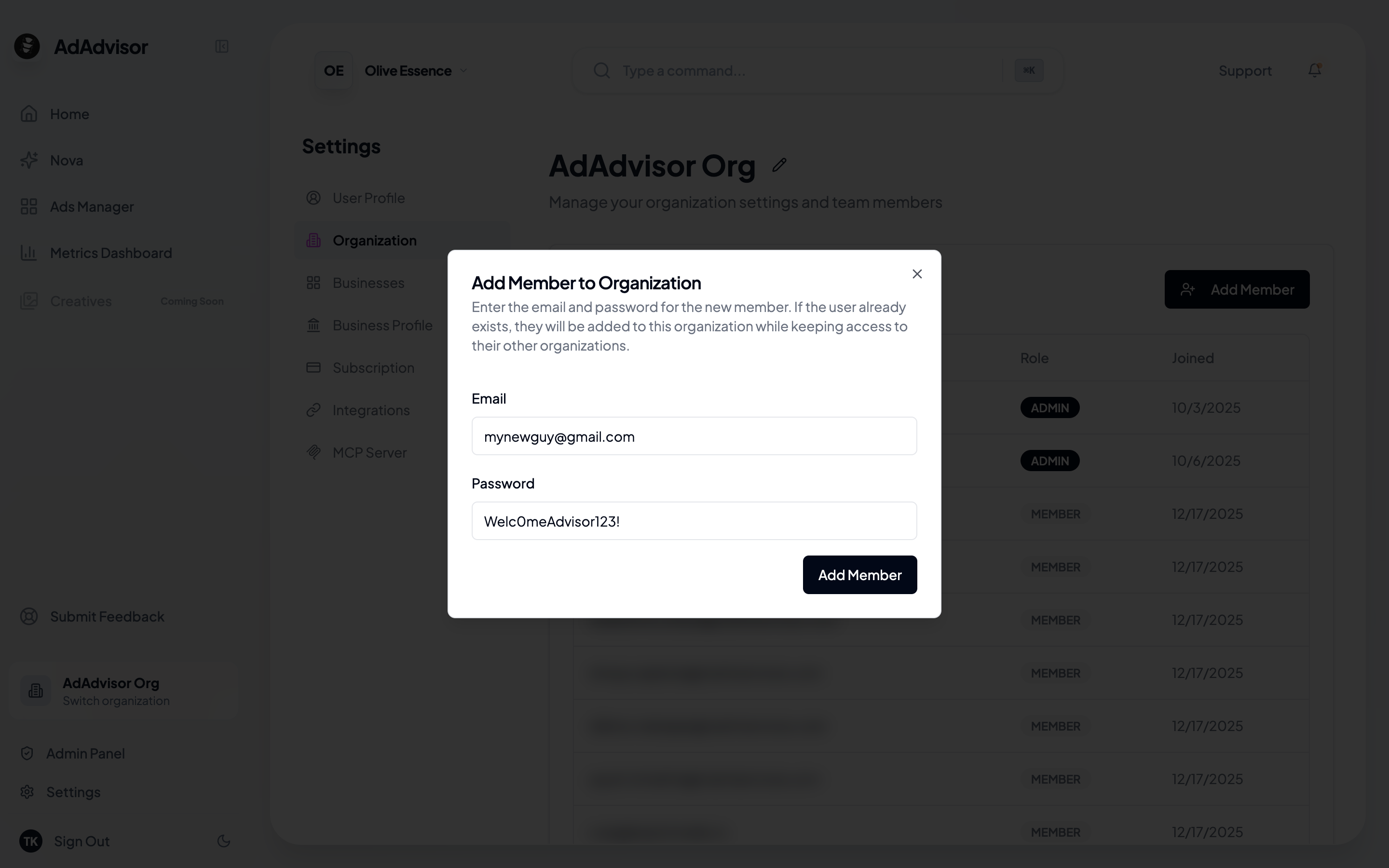
Enter their email and a temporary password
Fill in the new member’s email address and a temporary password. The system creates their account and adds them to your organization.