
What you’ll see
Your home page will show a syncing screen while your data is being imported.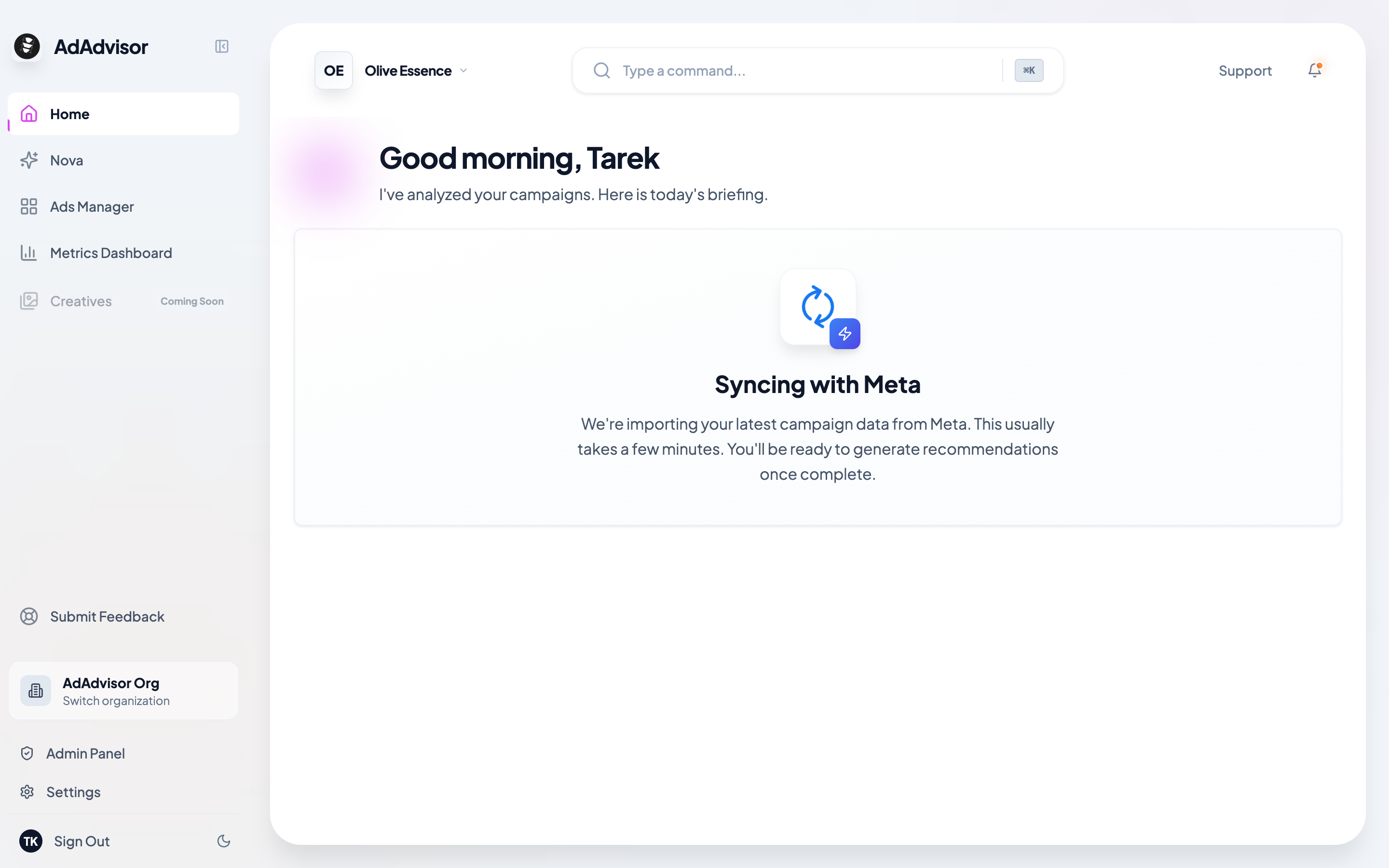
How long does it take?
It depends on the size of your account. A small account with a handful of campaigns might finish in under a minute. Larger accounts with hundreds of campaigns could take 5-10 minutes.The sync runs in the background, so it’s fine to close the browser or navigate away. It’ll keep going and your data will be ready when you come back.
After the sync completes
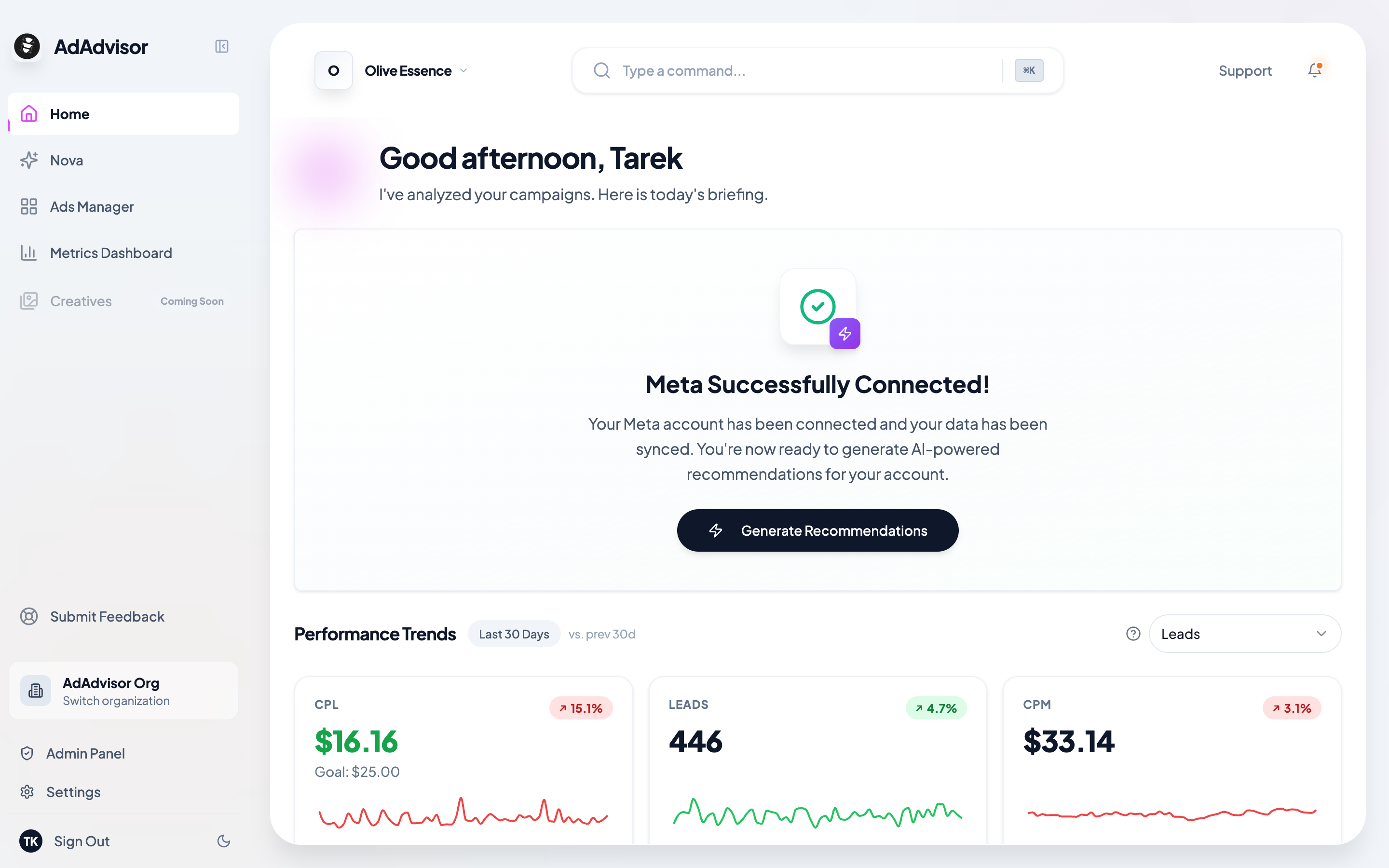
Once your data is in, the home page will update. You’ll either see:- A “Generate Recommendations” button if you have active campaigns. Click it to run your first AI analysis.
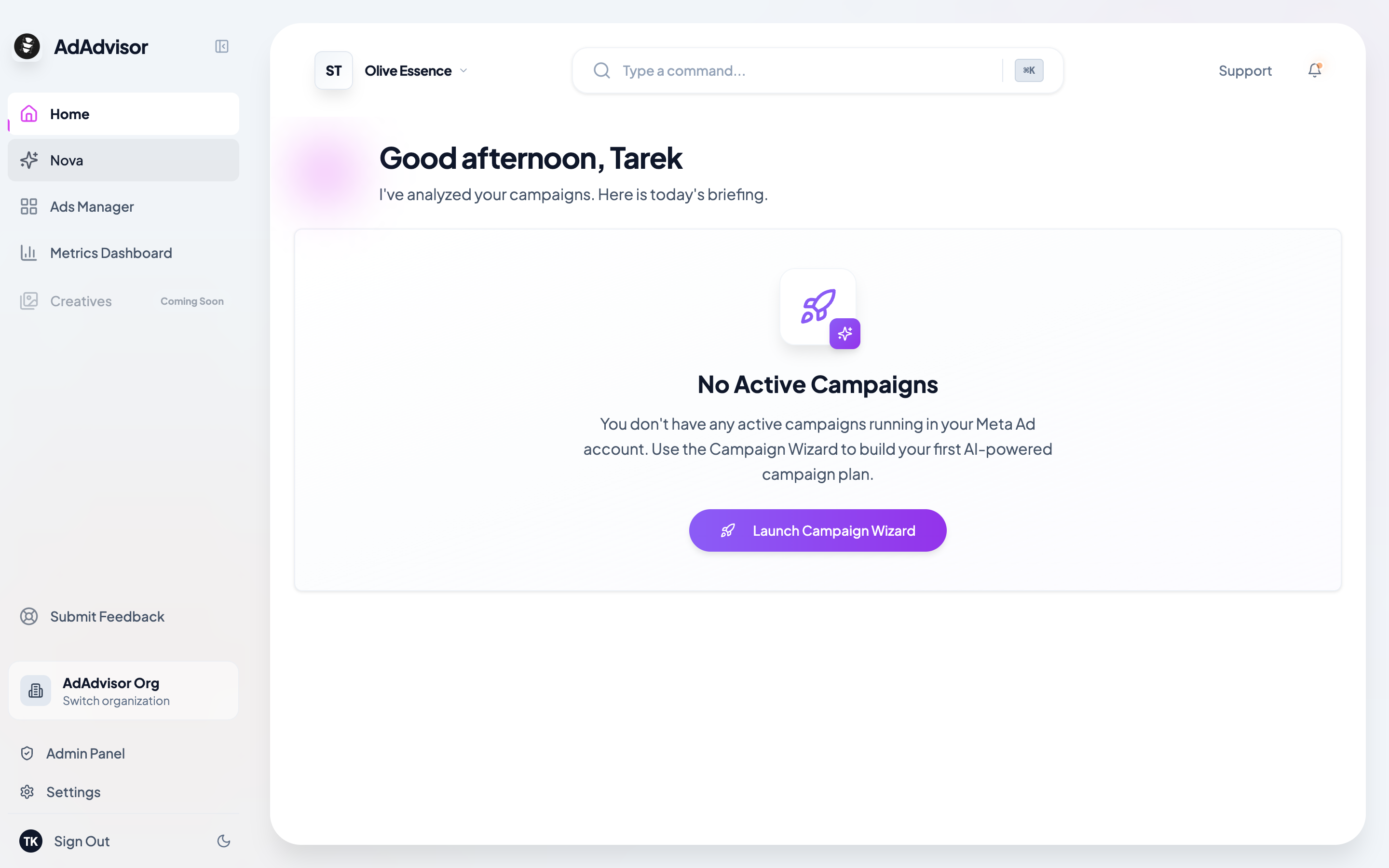
- A prompt to create a campaign if you don’t have any active campaigns yet. The Campaign Wizard will walk you through it.
Keeping your data up to date
Now that AdAdvisor is connected to your Meta ad account, it will continuously stay in sync with your latest campaign performance. This happens automatically in the background so your recommendations and insights are always based on fresh data. You don’t need to do anything on your end.What’s next?
Generate Recommendations
Your data is synced. Time to get your first AI recommendations.