When does the wizard appear?
The Campaign Wizard shows up on your dashboard when AdAdvisor detects that you have no active Meta campaigns running in the last 30 days. You’ll see a card prompting you to Create Campaign Plan. You can also navigate to it directly anytime from the wizard link.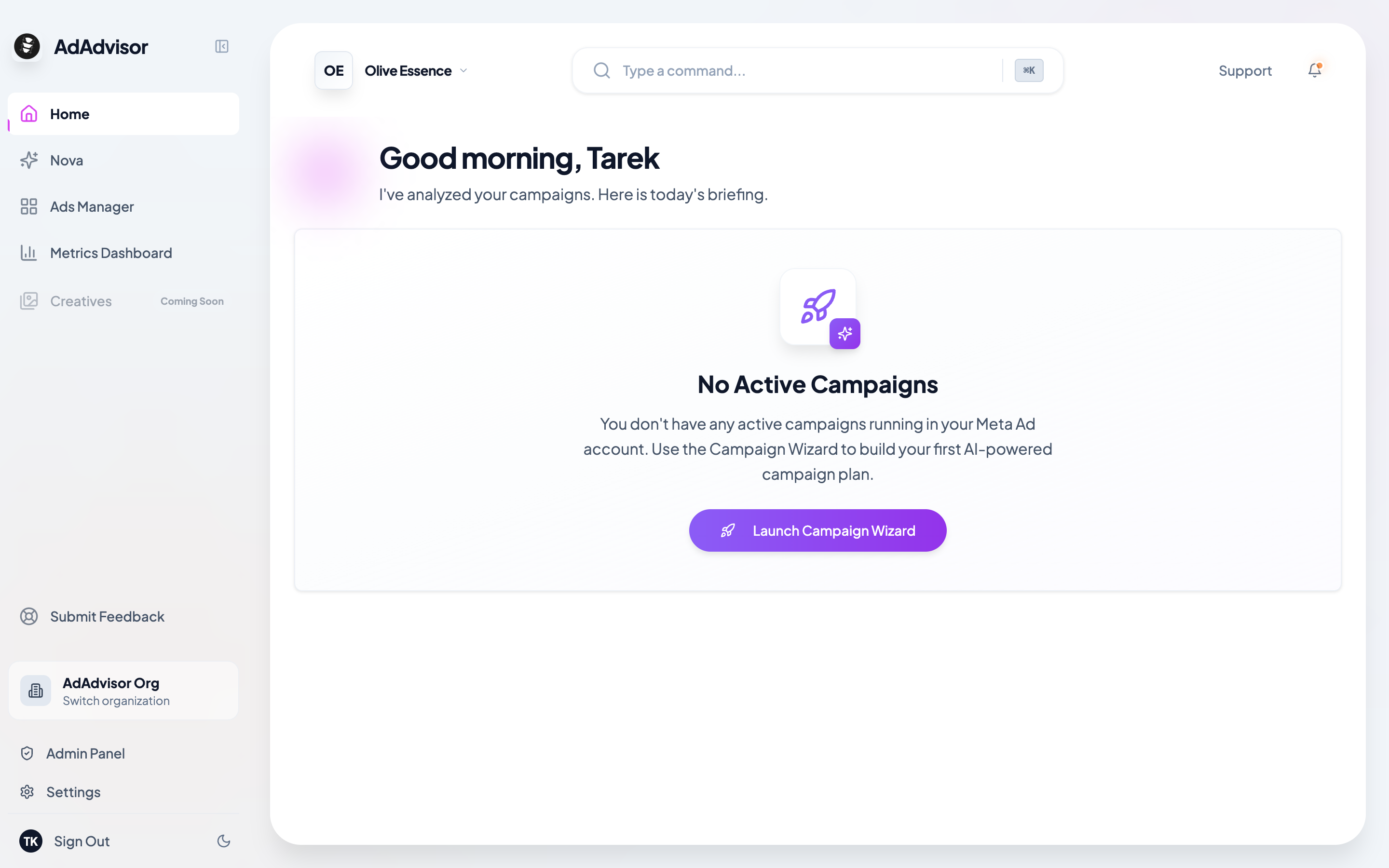
The 7 steps
The wizard collects information through 7 short steps. Most of them are single-question screens.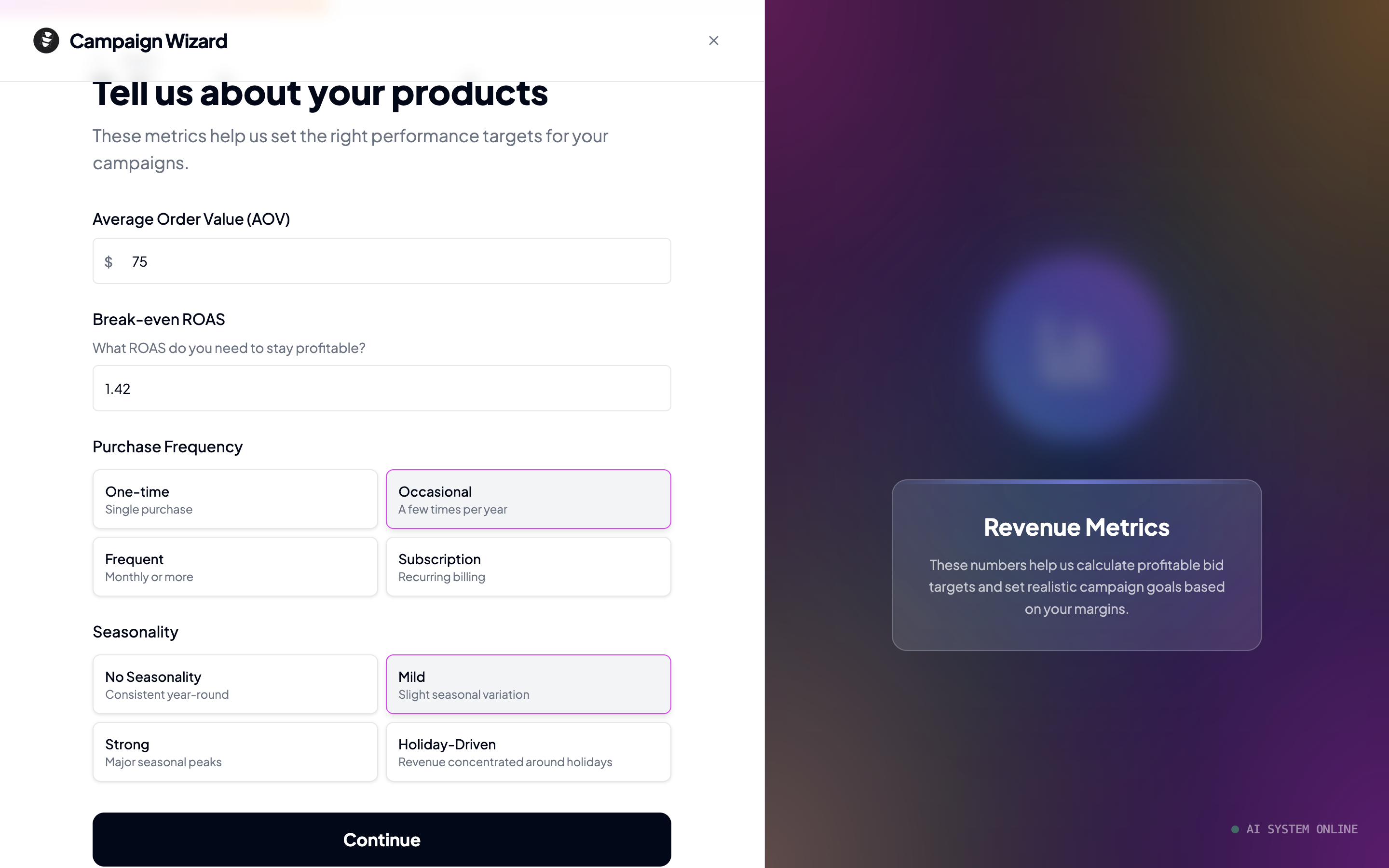
1
Business model
Are you running an e-commerce store or lead generation? This determines which optimization goals and metrics the AI focuses on.
2
Monthly budget
Enter your monthly ad spend. The AI uses this to set an appropriate daily budget for your campaign.
3
Business details
Depending on your business model:
- E-commerce: Enter your Average Order Value (AOV) and break-even ROAS.
- Lead generation: Enter your Target CPL and lead value.
4
Audience info
Tell us about your existing audience:
- Email list size: None, small, medium, or large
- Social following: None, small, medium, or large
5
Creative assets
Check which assets you have available:
- Product photos
- Product videos
- User-generated content (UGC)
- Testimonials
- Brand assets (logos, guidelines)
6
Geographic preferences
Select the countries you want to target. You can pick multiple countries. The AI may also suggest specific regions or cities within those countries based on your business profile.
7
Pixel status
Do you have a Meta Pixel installed on your website? This determines whether the campaign can optimize for conversions or needs to start with a traffic-based objective.
What happens next?
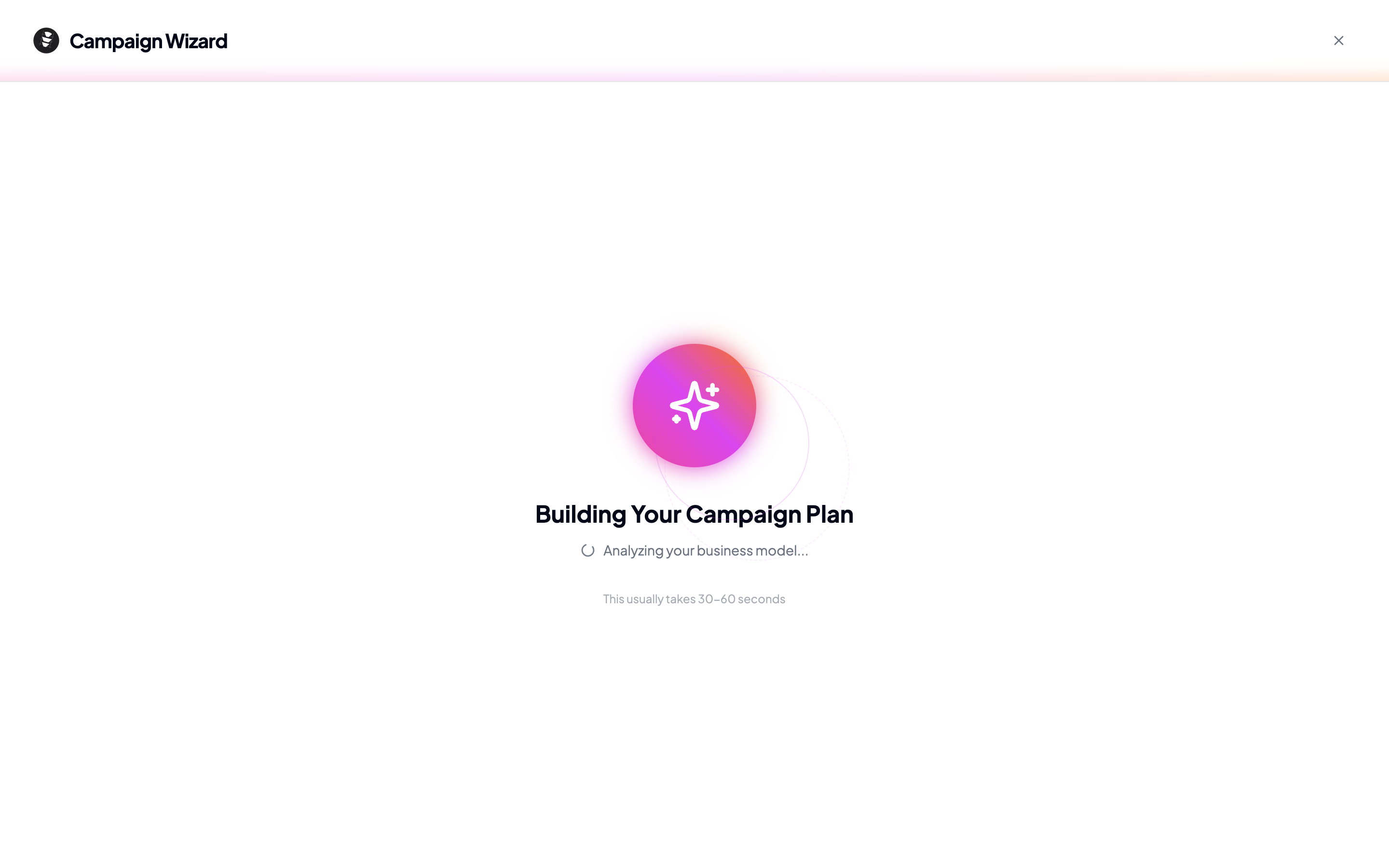
After you complete all 7 steps, you’ll be taken to a loading screen while the AI generates your campaign plan. This usually takes 30 to 60 seconds. You’ll see status messages as the AI works through different stages.